
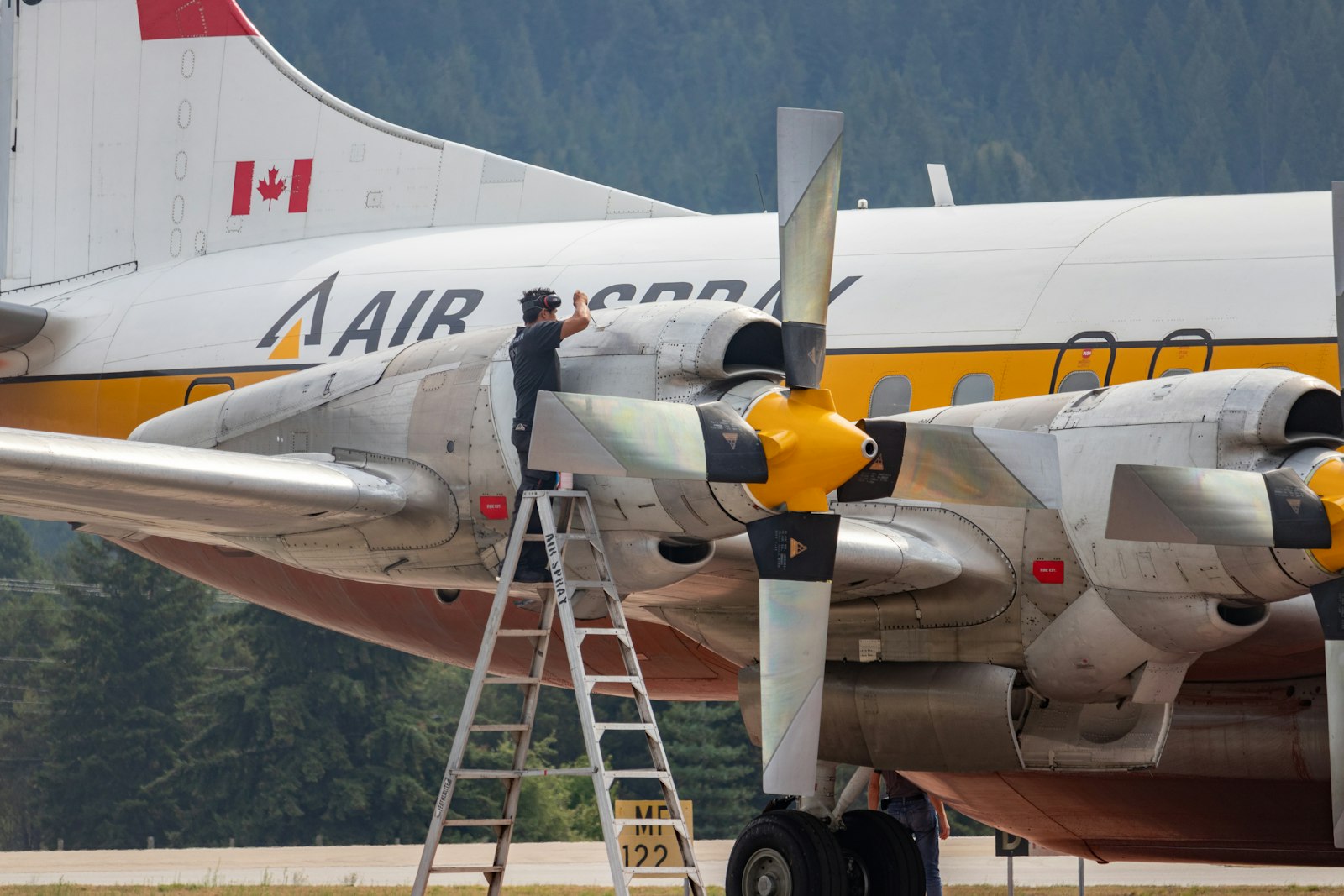
 Inspection inquiries
The next aircraft
coming through.
Tail number. Requested work. Timing. The context your service team needs before the callback.
For aircraft maintenance teams
AI reception. Aircraft-first intake. A clearer next step for the people behind the aircraft.
Try the working intake demo. Live phone answering requires setup and a successful call test.
Capture the aircraft, the request, and the callback details while your team focuses on the work in front of them.
Built around your day
Hangar Line brings inquiries, aircraft details, and follow-up into one place. Start with the conversations your shop already knows.
Inspection inquiriesTail number. Requested work. Timing. The context your service team needs before the callback.
 Owner communication
A clear place for the question, the aircraft, and the person who needs to hear back.
Urgent requestsCapture the location and reported issue for human review. Your team decides the response.
Put it through its paces
Pick a request. Follow the conversation. See the details reach a clear handoff. This interactive sample is yours to explore.
The inquiry determines which details to ask for—and who should pick up the next step.
Shop hours · Sample conversation
Annual inspection
Confirm the tail number and model
A clear request starts with the reason for the call. The aircraft and callback details are captured next.
Tail number, model, airport, and a person to call back.
Illustrative request. Nothing has been submitted or booked.
Prepare a fictional summary in your browser. Nothing is submitted to Hangar Line or a maintenance shop.
All people, aircraft, and conversations in this walkthrough are fictional. No call is placed.
Explore the receptionistThe maintenance side
A focused workspace for aircraft information. Search maintenance topics, choose a request, and see the intake your customers could use.
Use sample details. Requests stay private to the Hangar Line team and do not book maintenance.
Your shop. Your way of working.
Start with the services your team accepts. Explore how intake can be shaped around your shop, then carry that focus into a trial plan.
Build intake around annuals, pre-buys, reported discrepancies, and the owners you speak with every week.
Collect the aircraft, upcoming maintenance event, location, and the caller’s program questions for your coordinator.
Give the first conversation structure, from an intermittent fault to a panel upgrade or a quote request.
Organize inquiries by the work requested, so your people can review the details and agree who follows up.
Your team confirms capabilities, program coverage, estimates, and scheduling.
Create your shop workspace, share its intake link, invite your team, and manage requests and callbacks. Each shop has separate records. You can also explore the guided call flow or use sample details in the public demo; no call is placed by the walkthrough.
Live phone answering requires a configured phone service and number, followed by successful call testing.
A full schedule can still come with incomplete messages and owner-update requests. A trial should test whether organizing those requests makes follow-up easier. Someone on your team needs to review the desk and make the callbacks.
Missed-call or after-hours forwarding may be available through your current phone service. Carrier support and routing need to be confirmed and tested before the line changes.
Your people confirm capabilities, technical assessments, scope, estimates, and appointments. Urgent requests need a qualified human response. Hangar Line organizes the inquiry and the next step.